
Disclaimer: This Whirlpool dryer F01 error repair involves exposing the main control board, which carries 120V/240V electricity. Unplug the machine before removing the top panel.
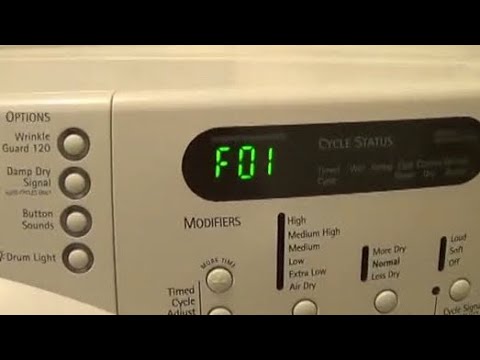
Common Variations: Is it F01 or F1?
On some older digital displays (especially Kenmore Elite models), the error may appear simply as Code F1.
- Don’t be confused: F1 and F01 are the same error.
- The Cause: Both indicate a primary control board failure on Whirlpool, Kenmore, and Maytag dryers. The diagnostic steps below apply to all three brands.
If you see F01 flashing on your Whirlpool dryer, do not panic, but do not ignore it. This is arguably the most serious error code your machine can throw.
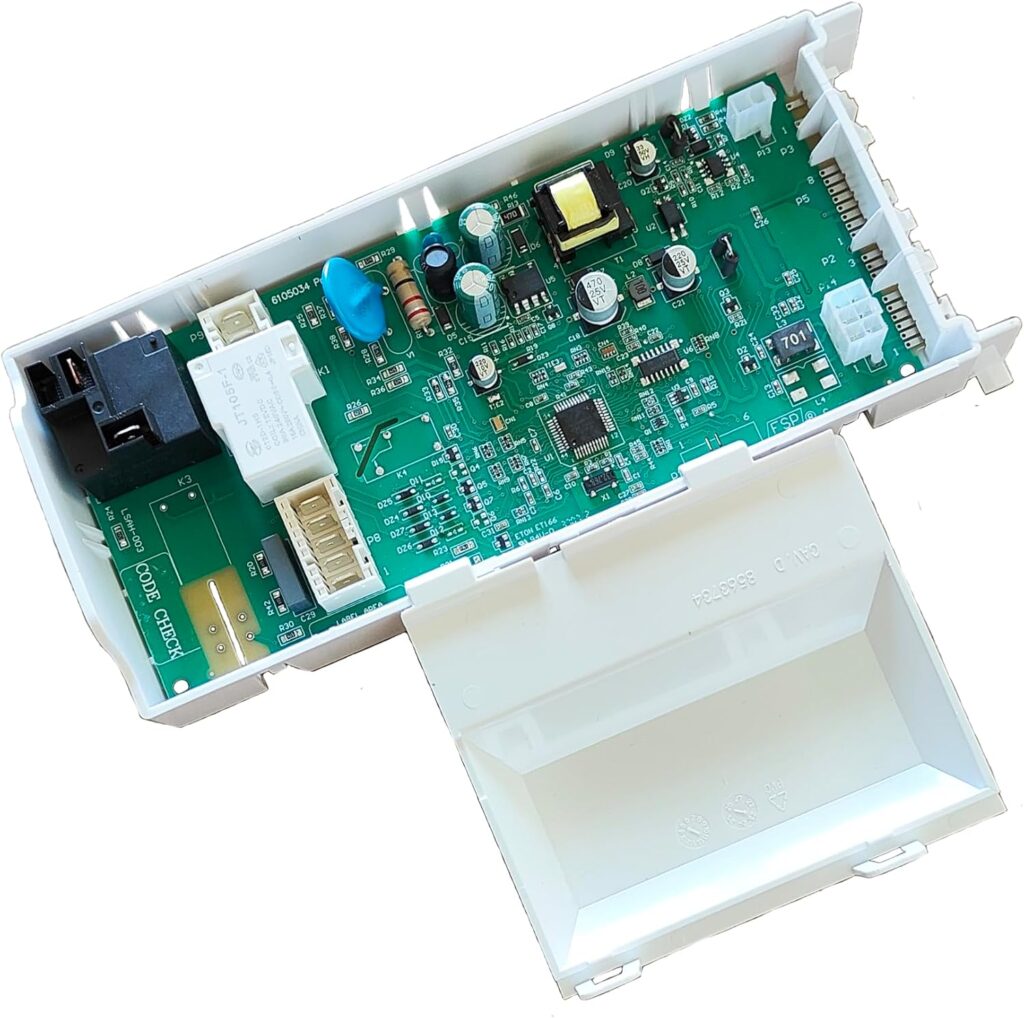
The Short Answer: Whirlpool dryer F01 error “Primary Control Board Failure.” The main computer “brain” of your dryer is failing to communicate with the rest of the machine. It is usually caused by a power surge, a corrupted EEPROM (memory chip), or a physical burn on the circuit board.
Is Whirlpool dryer F01 error fixable? Yes, but it frequently requires a part replacement. Before you buy a $150 board, try these two steps first.
Step 1: Whirlpool dryer F01 error (The “Free” Fix)
Computers glitch. Before you tear the machine apart, try to clear the memory cache.
- Unplug the dryer from the wall outlet.
- Wait exactly 5 minutes. (Do not cheat this time; the capacitors need to drain).
- Plug it back in.
- Press Power.
If the code is gone, you got lucky. It was a static glitch. Whirlpool dryer F01 error returns immediately; the board is physically fried. Move to Step 2.
Note: If your dryer is spinning but not heating (and not showing F01), this is likely not a board issue. Read our [Guide to Testing the Heating Element] instead.
Step 2: Visual Inspection & Connection Test
You need to verify that the board is actually dead and not just suffering from a loose wire.
Tools Needed:
- 1/4 nut driver (to remove the back/top panel).
- [Digital Multimeter] (Link to Amazon) – Essential for checking input voltage.
The Procedure:
- Open the Cabinet: On most Whirlpool units, remove the screws on the back of the top panel, then slide the lid back and off.
- Locate the Board: It is the green electronics card on the left side wall.
- The “Smell” Test: Sniff the board. Does it smell like burnt plastic? Do you see any black scorch marks on the green surface?
- If yes, the board is dead. [Buy Replacement Control Board Here].
- The Wiggle Test: Press down firmly on all wire harnesses. Sometimes vibration shakes a plug loose, causing a communication error.
Step 3: Replace the Control Board (CCU)
If the reset failed and the wires are tight, the Electronic Control Board (ECB) must be replaced.
- Estimated Cost: $100 – $250 (depending on model).
- Time: 15 minutes.
- DIY Difficulty: Easy.
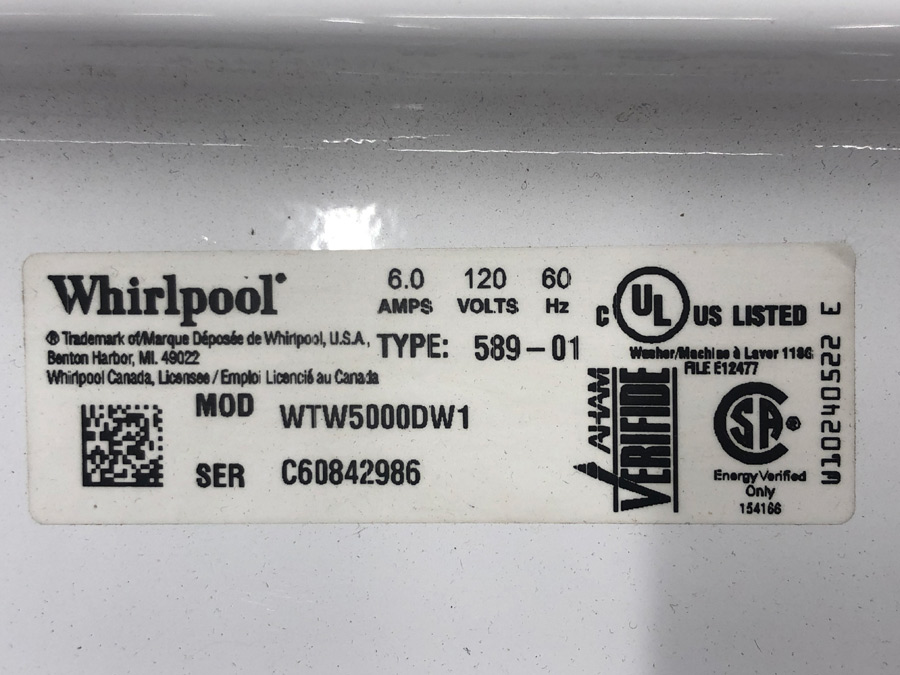
How to find the right part: Do not guess. Open your dryer door and look at the sticker for your model number. Search Amazon or RepairClinic for “Whirlpool [Model Number] Main Control Board.”
The Fix:
- Take a photo of the old board (so you know where the wires go).
- Unplug the wire harnesses (use needle-nose pliers if they are stuck).
- Unscrew the mounting bracket.
- Snap the new board in.
- Plug the wires back in exactly as your photo shows.
Summary: Whirlpool Dryer Error F01: Repair or Replace the Dryer?
- If your dryer is under 5 years old, buy the board ($150). It is cheaper than a new dryer ($800).
- If your dryer is 10+ years old, the motor, or rollers might go next. It might be time to cut your losses.
- It’s important to look at the model number on your dryer to get the right part number. You can often find parts that are cheaper than OEM. Dryer running but no heat?
Other Appliance Repair Articles
-
 November 11, 2026
5 Fast Steps: Why Does My Whirlpool Dryer Say AF Code
If you are wondering exactly why does my whirlpool dryer say af code, the answer is straightforward: your machine’s main control board has detected aRead more -
 November 11, 2026
Fast Master Guide: How to Reset LG Fridge Error 02
Plugging in an LG refrigerator.Read more -
 November 8, 2026
Whirlpool Refrigerator Not Cooling But Freezer Works? (Diagnose & Fix It)
The Whirlpool refrigerator is not cooling, but the freezer works.Read more


